
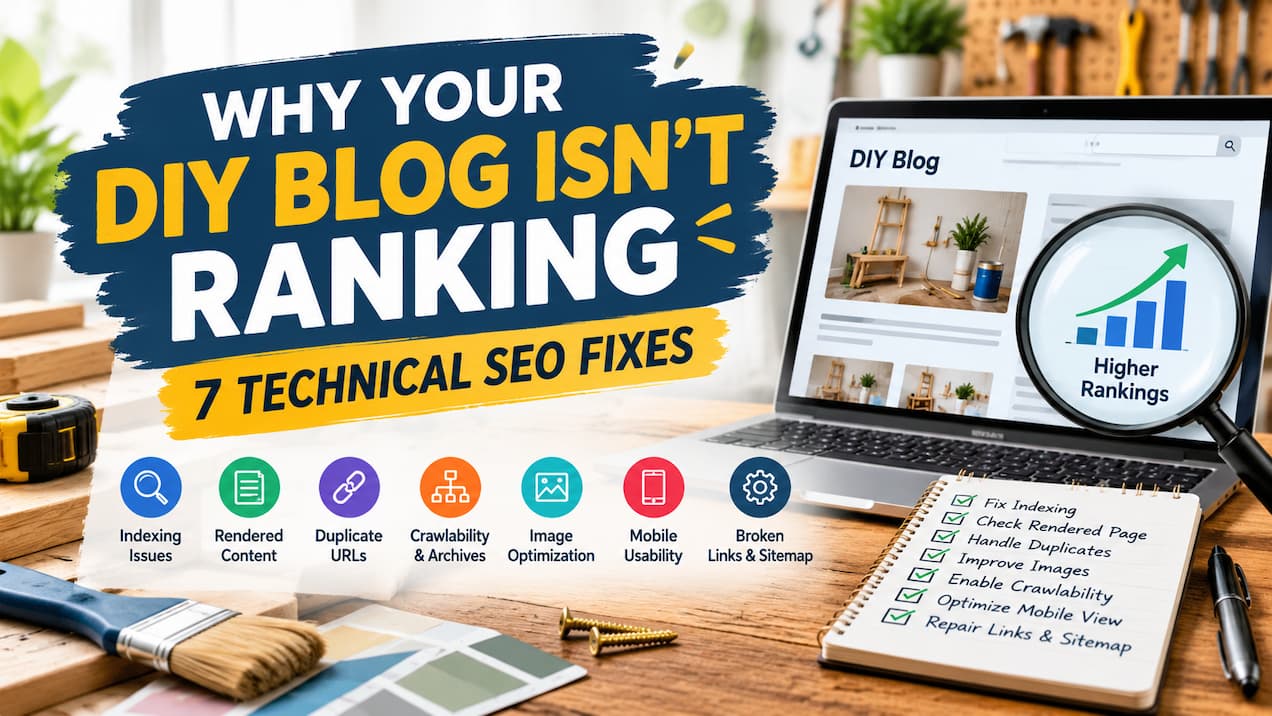
Your DIY tutorial may contain original photographs and clear instructions, yet still struggle to appear in search results. Before you rewrite it, the website deserves a check. A publishing setting, hidden step, or broken address can prevent useful content from reaching readers.
The 2025 Web Almanac from HTTP Archive reported that 62% of sampled mobile pages achieved a good Largest Contentful Paint score. This measures when the largest visible content finishes loading, not how well a page ranks. It highlights one practical concern for blogs that rely on large project photographs.
Technical repairs cannot replace useful content or remove competition. They can, however, resolve barriers that make your tutorials difficult to discover, interpret, or use.
1. Remove Accidental Indexing Restrictions
A blog can remain excluded from search after a redesign or move. During development, someone may have applied a setting that tells search engines not to index the site. The pages still open normally for you, so the restriction is easy to overlook.
Imagine publishing a detailed furniture-repainting tutorial after updating your theme. Readers with the address can view it, but a leftover noindex instruction tells search engines to keep it out of their searchable collection.
Indexing means adding a page to that collection. Your first check can use a page inspection report to establish whether the tutorial is indexed and whether an exclusion instruction is present.
A noindex instruction and a robots.txt restriction do different jobs. The first prevents indexing when a crawler can read it. The second controls crawling, which is the process of requesting and examining pages.
Blocking crawling does not reliably remove an address from search. It can also prevent a crawler from seeing an instruction on the page.
Your correction should target the unintended restriction, rather than remove every exclusion. Private drafts and administrative pages may need protection. Once the public tutorial is accessible and no longer excluded, another inspection can confirm the change.
2. Make Every Instruction Visible in the Rendered Page
Your browser may show a complete tutorial only after you interact with it. A reader clicks “show next step,” opens a gallery, or scrolls until another section loads. A search crawler may not perform those actions.
For example, a cabinet-painting guide might initially contain only an introduction and a photograph. If the materials list and preparation steps load after a click, the content available to search systems may be much less complete than the article you intended.
The rendered page is the document produced after the browser processes the page code. Comparing it with your expected tutorial can reveal missing text or image addresses.
An SEO agency offering SEO audits can compare the rendered instructions with your published layout and identify where a template hides useful content. That evidence gives you a specific problem to correct rather than a reason to rebuild the whole blog.
Your materials, measurements, and essential steps should appear as accessible text. Photographs can explain the process, but text embedded inside an image should not be the only version of an important instruction.
Expandable sections are not automatically a problem. An accordion that displays text already loaded into the page differs from a button that requests new content only after a click.
A developer can check that essential content exists in the rendered document without manual interaction. This helps search systems interpret the tutorial and gives readers a complete, dependable set of instructions.
3. Point Duplicate Post Versions to the Right Article
One tutorial can become available through several addresses. A print view, tracking parameter, or alternative site address may display the same content. These versions do not automatically create a penalty, but conflicting signals can make your preferred version unclear.
A shelf-building article might have a normal page and a printer-friendly version. If internal links favour one address while the sitemap lists another, your website gives inconsistent instructions about which page represents the article.
A canonical address is the preferred version of duplicate or very similar content. A canonical annotation communicates that preference without necessarily removing the other version.
Your review can check whether the tutorial points to its intended address and whether duplicate versions identify the same page. Internal links and sitemap entries should support that choice.
The preferred address needs to contain the corresponding article. Pointing every post to your homepage does not consolidate tutorials correctly because the homepage is not a duplicate of them.
Permanent redirects can suit duplicate versions you no longer need. Canonical annotations can suit versions that remain useful, such as a print view.
Distinct tutorials should remain distinct. Two articles about different materials or methods should not be combined merely because they share a topic. The goal is consistent signals for genuine duplicates, not fewer pages at any cost.
4. Give Archived Tutorials a Crawlable Route
Older projects often disappear beneath newer posts. A tutorial may still work, but your current pages no longer link to it. Readers and crawlers then have fewer routes to discover it.
An endless project feed can create another barrier. If older entries appear only after a visitor scrolls or presses “load more,” some posts may lack a dependable route from the visible archive.
A crawlable link is a normal page link with a destination address that a search system can follow. Your category pages and project collections should provide these links to relevant tutorials.
A useful collection might group furniture repairs, wall-finishing projects, or beginner woodworking guides. Its purpose is to help readers locate a suitable project, rather than repeat keyword-heavy links.
For a long archive, separate numbered pages can provide stable addresses for additional groups of posts. Each archive page should contain usable links, with a clear route to the next group.
Contextual links inside related tutorials can also help. A repainting guide could point to a surface-preparation article where the reader needs more detail.
These routes improve discovery and usability. A sitemap can support discovery, but it does not replace a site structure that readers can follow.
5. Reduce Tutorial Image Weight Without Hiding the First Screen
DIY photographs often need to show small details. That can lead to uploading every image at its original camera size, even when the page displays it much smaller. A tutorial with numerous photographs may then transfer far more data than a phone needs.
The opposite shortcut creates a different problem. Heavy compression can blur measurements or obscure a tool position. A faster image is not useful if it no longer explains the task.
Your image review can compare the uploaded dimensions with the displayed size. Responsive images allow the browser to select an appropriate version for the reader’s screen, while compression can reduce file weight without removing essential detail.
The first prominent image deserves separate attention. If it is the largest visible element, delaying its request can worsen Largest Contentful Paint.
Lazy loading delays images that are not needed immediately. It can help with photographs farther down the tutorial, but it should not delay an important image visible when the page opens.
A practical check can compare mobile loading before and after the change, then inspect the photographs for clarity. A single controlled test is not the same as a record of real-user performance, so both types of evidence can be useful where available.
The objective is a lighter tutorial that retains its instructional value, not the smallest files possible.
6. Keep Steps Readable and Stable on a Phone
A page can load quickly and still be difficult to use. An image appears late and pushes the next step downward. An advertisement moves the text just as someone tries to read a measurement. A wide layout requires repeated sideways scrolling.
For a DIY reader, those interruptions matter. They may be checking a step between tasks and need to find the same information again without losing their place.
Layout shift means visible elements move unexpectedly as the page loads. Reserving space for images, advertisements, and embedded content can reduce that movement.
Image width and height information helps the browser allocate space before the file arrives. Your theme should also adapt that space to smaller screens rather than force a fixed desktop width.
A phone review can cover the materials list, every instruction, and the route between sections. Text should remain readable, and important information should not sit behind an obstructive overlay.
Performance reports can identify stability problems, but direct use reveals practical issues that scores may miss. A stable layout does not guarantee rankings; it helps people follow the project without unnecessary disruption.
7. Repair Old Addresses and Update the Sitemap
Changing a post address can break routes from older articles, saved bookmarks, and other websites. The new tutorial may work perfectly while the old address leads nowhere.
For example, renaming a furniture-finishing guide may leave related posts pointing to its previous location. Readers encounter an error, and crawlers follow a link that no longer reaches the content.
When the same tutorial has moved, a permanent redirect can connect its old address directly with the current version. Updating your internal links removes the need for that extra step within your own site.
A removed article needs different treatment. If there is no suitable replacement, a genuine 404 response indicates that the page is unavailable. Redirecting every deleted tutorial to the homepage creates confusion rather than a useful substitute.
Your sitemap should list the preferred addresses of public pages you want discovered. Moved, missing, or intentionally excluded versions should not remain there as though they were current tutorials.
We can finish the repair cycle by checking representative posts again: one image-heavy guide, one older tutorial, and one recently moved page. The recheck should confirm the actual correction, not just the changed setting.
These seven checks establish whether search systems can reach and interpret your work and whether readers can use it. If those foundations are sound, the next review can focus on the tutorial’s relevance, evidence, and usefulness instead of assuming that another technical adjustment will solve every ranking problem.